WengYang Industrial Zone Yueqing Wenzhou 325000
Work Hours
Monday to Friday: 7AM - 7PM
Weekend: 10AM - 5PM
WengYang Industrial Zone Yueqing Wenzhou 325000
Work Hours
Monday to Friday: 7AM - 7PM
Weekend: 10AM - 5PM

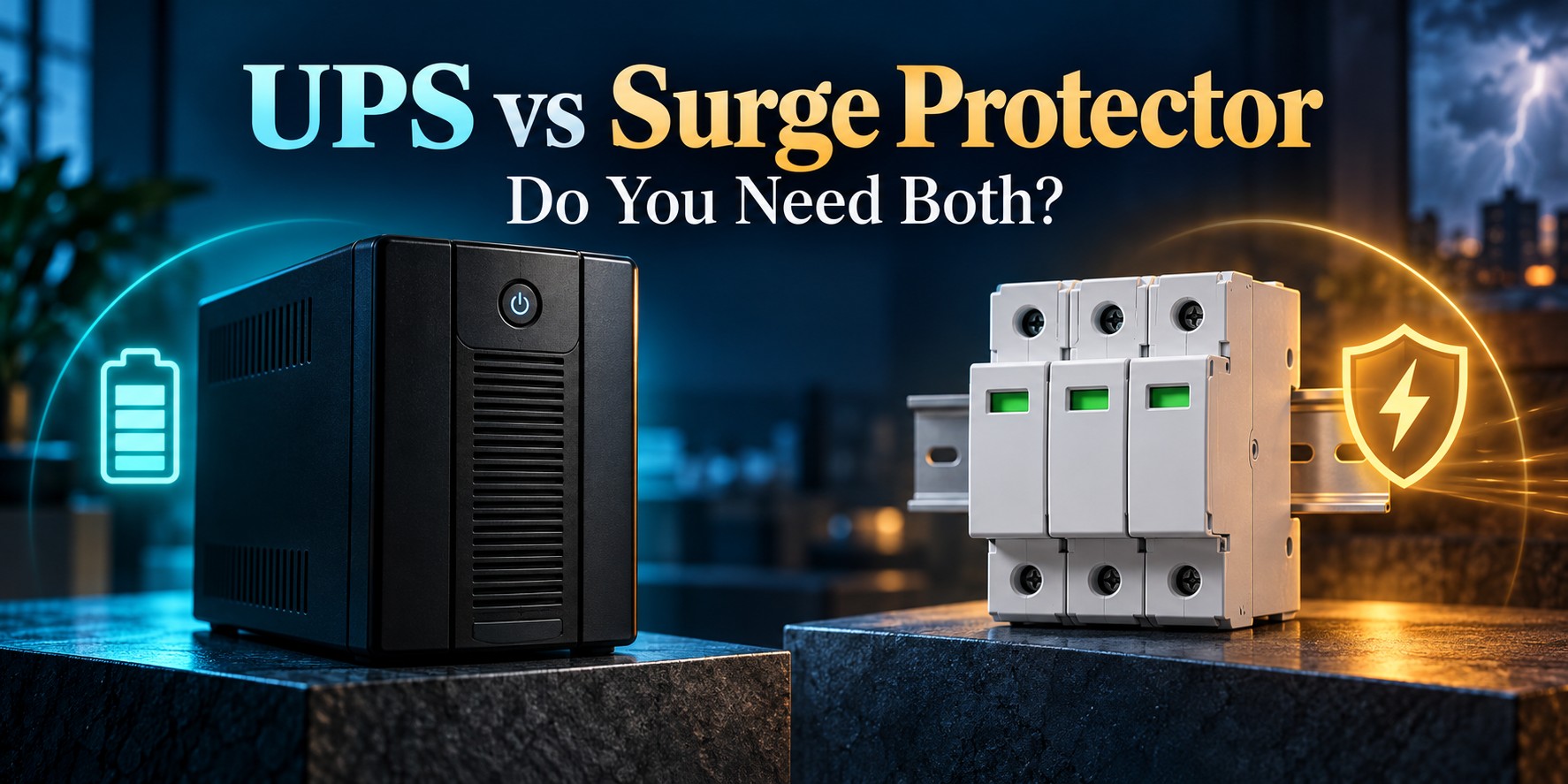
UPS vs surge protector is a practical question when protecting computers, network equipment and industrial controls. Both may offer protection against transient overvoltage, but only a UPS provides stored backup energy. A surge protective device (SPD) cannot keep equipment running after the supply disappears.
The right choice starts with the problem you need to solve: a brief voltage surge, a power interruption, or both. For critical installations, coordinated surge protection and a correctly sized UPS can serve complementary roles.
| Question | Surge protector / SPD | UPS |
|---|---|---|
| Main purpose | Limit transient overvoltage under specified conditions | Maintain power temporarily when the normal supply fails |
| Battery backup | No | Yes, with runtime determined by the model, battery and load |
| Surge protection | Its primary function | Often incorporated; check the product specifications |
| Voltage regulation | Does not regulate sustained supply variations | Depends on topology and operating mode |
| Typical selection data | System voltage, protection modes, discharge ratings and voltage protection level | Watts, VA, runtime, topology and load compatibility |
A surge protector responds to brief overvoltage events. Products range from plug-in protectors near equipment to SPDs installed in distribution boards. Their installation locations, ratings and required connections differ.
A basic power strip is not necessarily a surge protector. Look for the manufacturer’s declared protective function and specifications, rather than judging the product by the number of outlets. Eaton’s surge protector buying guide distinguishes surge protection from ordinary outlet distribution.
An SPD does not create backup power. It also should not be treated as a general solution to prolonged overvoltage. Our SPD joules vs kA guide explains why a headline energy or current rating cannot describe every aspect of protection.
An uninterruptible power supply uses stored energy to support connected equipment when the normal source is unavailable. This can provide time to save work, shut down a server or bridge a short interruption. The available time is finite.
UPS topology matters. A standby UPS normally supplies the load from utility power and transfers to its inverter when required. A line-interactive model can boost or trim voltage within its operating range. An online double-conversion UPS normally supplies the load through continuous conversion, with different behavior when bypass or economy modes operate. Do not assume every UPS has identical regulation or transfer characteristics. See Eaton’s UPS fundamentals for the distinctions.
Often, yes: they address different consequences of a disturbed supply. A facility may need upstream surge protection for the distribution system and backup power for selected critical loads. The UPS itself can also benefit from appropriately designed upstream protection.
Eaton’s explanation of UPS and surge suppressor coordination describes this layered approach. However, a coordinated installation is not the same as plugging multiple consumer protectors into each other. Device selection and placement need to follow the applicable equipment instructions.
For a desktop computer, start with the UPS manufacturer’s connection requirements and the building’s existing protection. For a commercial UPS with bypass arrangements or separate load panels, have the complete distribution design reviewed. A generic diagram cannot establish the correct protection locations for every installation.
Do not assume this is permitted. APC advises against using surge strips with its Back-UPS and Smart-UPS products and recommends the connections specified in its instructions. Check the exact UPS manual before adding any plug-in accessory. Read APC’s guidance on surge strips and UPS products.
The same caution applies to a surge strip connected to the UPS output. If extra outlets are needed, identify a compatible manufacturer-approved distribution solution and respect all load limits. A suitable PDU and a consumer surge strip are not automatically interchangeable.
Eaton’s desktop UPS guide discusses load sizing and backup requirements. For distribution-board SPD coordination, our SPD backup fuse and circuit breaker guide covers another important selection step.
No. A surge protector does not supply stored energy. A suitably sized UPS can keep the computer running for a limited time or support an orderly shutdown.
It can power your local networking equipment within its capacity and runtime. Internet access still depends on the provider’s network and every necessary device along the connection path.
Not automatically. A desktop UPS serves a different scale and integration role from a home energy-storage system. Solar backup also depends on the inverter and approved isolation arrangements; see whether solar panels work during a power outage.
No universal guarantee follows from owning either device. Protection depends on the complete installation, equipment ratings and the event involved.
Planning surge protection for a UPS installation? Prepare the supply voltage, earthing arrangement, UPS model, bypass details, installation location and critical-load list. These details provide a useful starting point for selecting and coordinating the appropriate SPD.

